Neck Transition
Forward head posture from monitor placement below eye level or extended screen distance.

Tap a highlighted zone to record where you notice tension during seated work. This data helps consultants prepare targeted observations.
Recording strain locations in advance allows consultants to cross-reference body-zone data with your desk configuration parameters. Patterns such as cervical tilt often correlate with monitor placement, while wrist tension may relate to keyboard height.
This tool stores entries locally during your session. Share your log during the consultation for a more focused review.
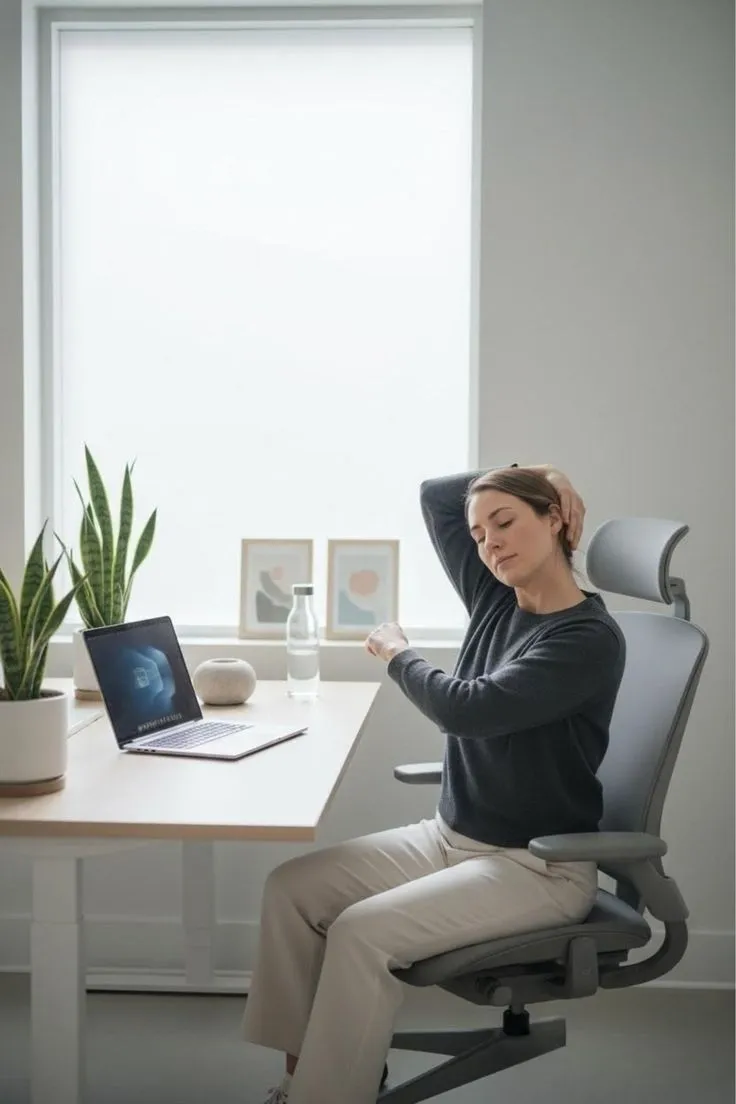
Forward head posture from monitor placement below eye level or extended screen distance.
Prolonged static sitting without lumbar support or seat pan depth misalignment.
Keyboard height causing wrist extension or ulnar deviation during typing.
For a full pre-consultation profile, run the workspace configurator and bring both reports to your session.